

Lightweight Design MeansHeavy Results: Why Speed Wins SEO
-
Author
-
Post DateOctober 19, 2025
Speed influences visibility, trust, and revenue. Optimization isn’t simply a technical tweak applied at the end of development — it’s a design philosophy that should guide decisions from the very beginning of a project. Every design choice, asset, script, and layout pattern influences how quickly a page loads and how smoothly it responds to user interaction. In a digital environment where users expect instant feedback, performance becomes part of the product experience itself.
Modern users rarely tolerate slow interfaces. Studies consistently show that even a one-second delay can significantly increase bounce rates and reduce conversions. Fast websites feel efficient and reliable, while slow ones create friction and doubt. Performance therefore affects not only technical metrics but also emotional perception: users subconsciously associate speed with competence and quality.
Why Performance Equals Trust
Performance metrics are effectively UX metrics. When a site loads quickly and interactions feel immediate, users perceive the platform as stable and secure. A responsive interface suggests that the underlying system is well engineered and trustworthy. Conversely, delays, layout shifts, and lagging interactions signal instability and poor craftsmanship.
Search engines reinforce this connection between performance and credibility. Google’s Core Web Vitals directly influence SEO rankings, meaning performance optimization affects discoverability as well as usability. Metrics like Largest Contentful Paint (LCP), Interaction to Next Paint (INP), and Cumulative Layout Shift (CLS) measure how quickly meaningful content appears, how responsive the interface feels, and how visually stable the layout remains during loading.
Every render-blocking script or oversized image introduces friction. When critical resources are delayed, users experience blank screens or partially rendered layouts. These moments of uncertainty can damage engagement, especially on mobile networks where bandwidth and latency are more variable. Optimizing performance therefore protects both user attention and brand reputation.
Developer Practices
From a development perspective, performance optimization begins with controlling what blocks the initial render. Inlining critical CSS ensures that the most important layout and styling information is immediately available to the browser. At the same time, non-essential JavaScript should be deferred or loaded asynchronously so that it does not interrupt the rendering pipeline.
Modern networking technologies also improve delivery efficiency. Protocols such as HTTP/3 reduce connection latency and improve reliability on unstable networks. Compression algorithms like Brotli significantly reduce file sizes compared to traditional gzip compression, allowing assets to travel faster from server to browser. Proper caching headers further enhance performance by enabling browsers to reuse previously downloaded resources instead of requesting them repeatedly.
Font loading is another common performance bottleneck. Large font files can delay text rendering and create flashes of invisible text. Using font-display: swap allows the browser to display fallback fonts immediately and replace them once the custom font finishes loading. This approach maintains readability while still supporting brand typography.
Image optimization remains one of the most impactful improvements developers can make. Raster images should be converted to modern formats such as WebP or AVIF, which provide significantly better compression while preserving visual quality. Responsive image strategies ensure that smaller devices download appropriately scaled assets instead of unnecessarily large files.
Third-party scripts deserve continuous attention as well. Analytics tools, advertising networks, chat widgets, and tracking scripts can accumulate over time, often becoming the largest contributors to performance degradation. Regularly auditing these scripts helps maintain a balance between functionality and speed.
Design Techniques
Performance optimization is not solely a developer’s responsibility. Design decisions strongly influence how heavy or lightweight an interface becomes. Speed-conscious design emphasizes clarity, simplicity, and purposeful hierarchy.
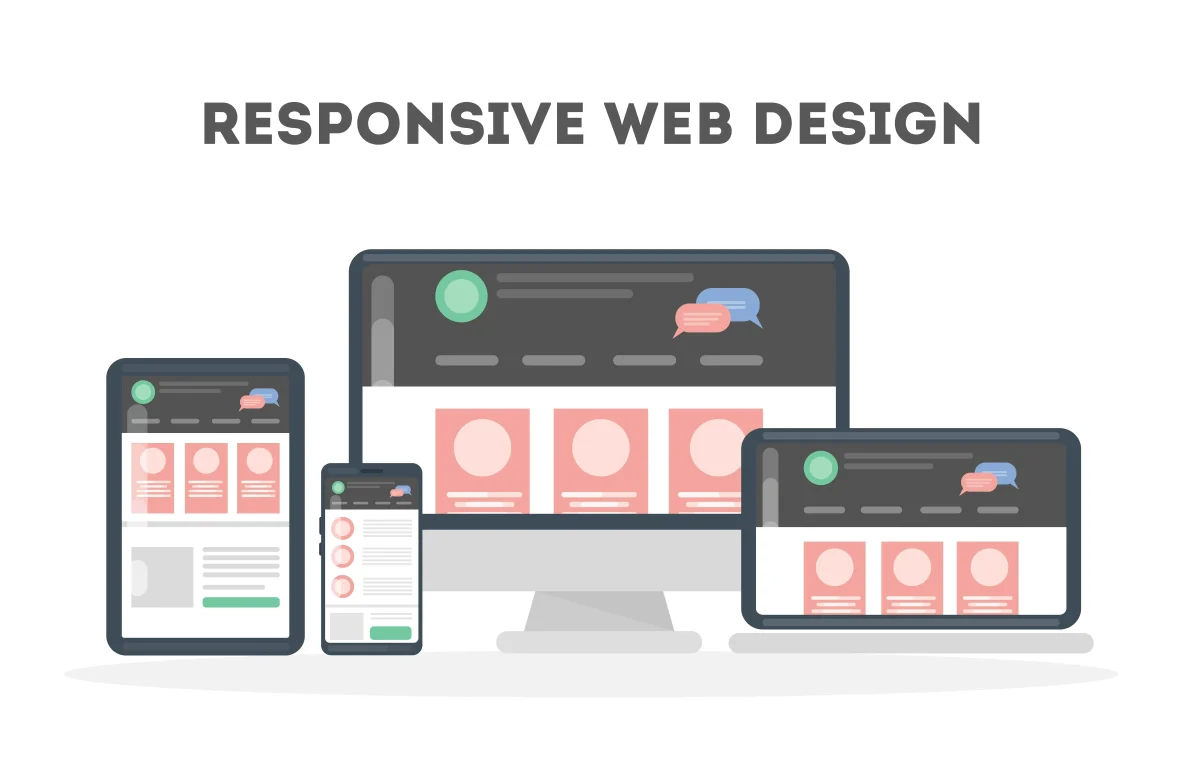
Flat vector graphics typically load faster than complex raster images and scale more effectively across devices. Modular grid systems help structure content in predictable ways that are easier for browsers to render efficiently. By prioritizing content-first composition, designers ensure that the most important information appears early in the loading process.
Animations should support the user journey rather than compete with it. Subtle transitions can improve perceived responsiveness, but excessive motion or complex animation libraries may introduce unnecessary overhead. Thoughtful micro-interactions that use lightweight CSS transitions often provide a better balance between visual polish and performance.
Minimalism in interface design often leads to faster experiences. Reducing visual clutter, limiting the number of assets, and focusing on essential content not only improves usability but also decreases the total amount of data that must be transferred and rendered.
Testing Stack
Consistent performance requires continuous monitoring. Tools such as Lighthouse CI, GTmetrix, and WebPageTest provide detailed insights into loading behavior, network performance, and rendering bottlenecks. By running automated audits regularly, teams can detect regressions before they reach production.
Integrating speed testing into CI/CD pipelines is particularly valuable for large projects. Each code change can automatically trigger performance checks, ensuring that new features do not unintentionally degrade loading times. This transforms performance optimization from a reactive task into an ongoing engineering practice.
Synthetic testing tools are complemented by real-user monitoring (RUM), which captures performance data from actual visitors. These metrics reveal how the site behaves across different devices, locations, and network conditions, providing a more realistic picture of the user experience.
FAQ
Q: What is the ideal LCP in 2025?
A: For most modern sites, the recommended target is ≤2 seconds on mobile and ≤1.5 seconds on desktop. Achieving these thresholds ensures that primary content appears quickly enough to maintain user engagement and satisfy search engine performance guidelines.
Conclusion
Speed is the most persuasive design element because users can feel it. Unlike visual aesthetics, which users evaluate consciously, performance influences perception at a deeper level. A fast interface feels smooth, reliable, and intelligent.
When performance is treated as a fundamental design principle rather than a late-stage optimization task, the result is a product that feels effortless to use. Every quick interaction reinforces the impression of quality and professionalism. In a competitive digital environment, that feeling of effortless speed often becomes the difference between a visitor who leaves and one who stays, trusts, and returns.